
Seven useful ways to share an HTML file as a link
Real uses of droppage, from a portfolio that is always one link to reports your AI agent publishes, with the exact commands and what each one taught us.

I built droppage to publish one HTML file as a link, with access control that feels like sharing a Google Doc. Then I started using it for things I didn't plan for. These are the seven uses that stuck, each with the command and what it taught us.
1. A portfolio page that's always one link
My open-source page is one HTML file: merged PRs, diffs, maintainer quotes, screenshots and short films. The same link sits on Upwork, GitHub and LinkedIn, and every improvement goes out with one command:
droppage update <slug> portfolio.htmlThe link never changes, while the page moved from v0.1 to v0.8. Here it is, live: Open source | Malek M. Elkssas.
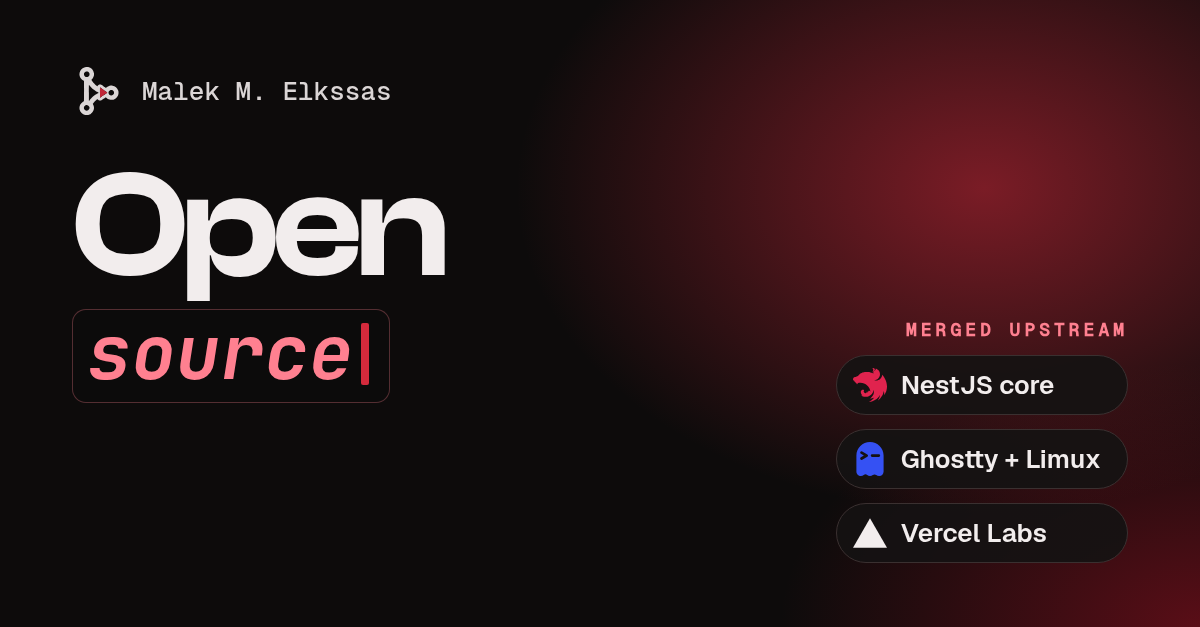
- Why it works: no hosting, no deploy, no domain. I put the version in the footer and republish.
- Tip: keep it one self-contained file next to its images.
droppage uploadtakes the images and videos the page points to, so the page can't break when a local folder moves.
2. Client release notes and feature walkthroughs
A finished feature becomes an HTML page with verified screenshots, and the client gets a link instead of an attachment.
droppage upload release-notes.html --email client@company.comOnly their inbox can open it (they get an invitation email with an access link). For a group, --password works too. When the client asks for a change in the notes, droppage update keeps the same link, so nobody has to hunt for "v2-final.pdf".
3. Reports your AI agent writes
Claude Code, Cursor or Codex can write a report, an audit, a comparison or a dashboard as HTML and publish it in one command. The agent hands back a URL, not a file you have to open.
- Our agent setup prompt teaches any agent the commands and the output contract: stdout is only the URL.
- MCP clients can call
droppage mcpdirectly:claude mcp add droppage -- npx -y droppage mcp. - Run the CLI from a neutral folder (
cd ~), so a project's.envcan't point it somewhere else.
4. Clickable mockups before writing app code
A UI idea becomes one HTML demo with real screenshots and working gestures, published so the client can try it on their own phone. The feedback comes much faster than from a static image, or a Figma link the client can't really interact with.
5. Temporary shares that clean themselves up
droppage upload draft.html --expires 7dFor drafts, one-off reports, or anything nobody needs next month. When it expires, the page and its images are deleted, so nothing lingers.
6. Discovery questions and proposal extras
Before a call, or with a proposal: a short page of questions, a scope breakdown or a cost model. It looks more considered than a wall of chat text, and you can see whether it was opened, because views count people (a refresh, your own opens and chat-app link previews don't count).
7. Reports with real charts, images and video
droppage upload uploads the local images a page uses and rewrites the links, so the HTML stays light and readers only load the images they scroll to. That includes srcset phone screenshots, favicons and CSS url() images.
Short product films work the same way. Put film.webm, film.mp4 and a poster next to the HTML:
<video poster="still.webp" controls>
  <source src="film.webm">
  <source src="film.mp4">
</video>
They play on Safari and iPhones and can be seeked. My portfolio films used to be inlined as base64, which made the page several MB heavier for no reason.
Bonus: your link shows a preview card
Paste a public droppage link into LinkedIn, X, Slack or WhatsApp and it shows a card with the page's own title, description and image. Two things make that card good:
- Give the page Open Graph tags (
og:title,og:description,og:imageat 1200x630), and put them at the very top of<head>, before any inlined favicons, or a crawler may stop reading first. - Gated pages show only their gate to a crawler: no title, no content. A password page never leaks into a link card.
Search engines are kept out of published pages (noindex), so a shared report doesn't turn up in Google.
Try it
npm install -g droppage
droppage login
droppage upload report.html
The last line prints the link. The docs have every command, and the changelog has what changed and when.